01 · Smooth scrolling
One notch, split into a stroke
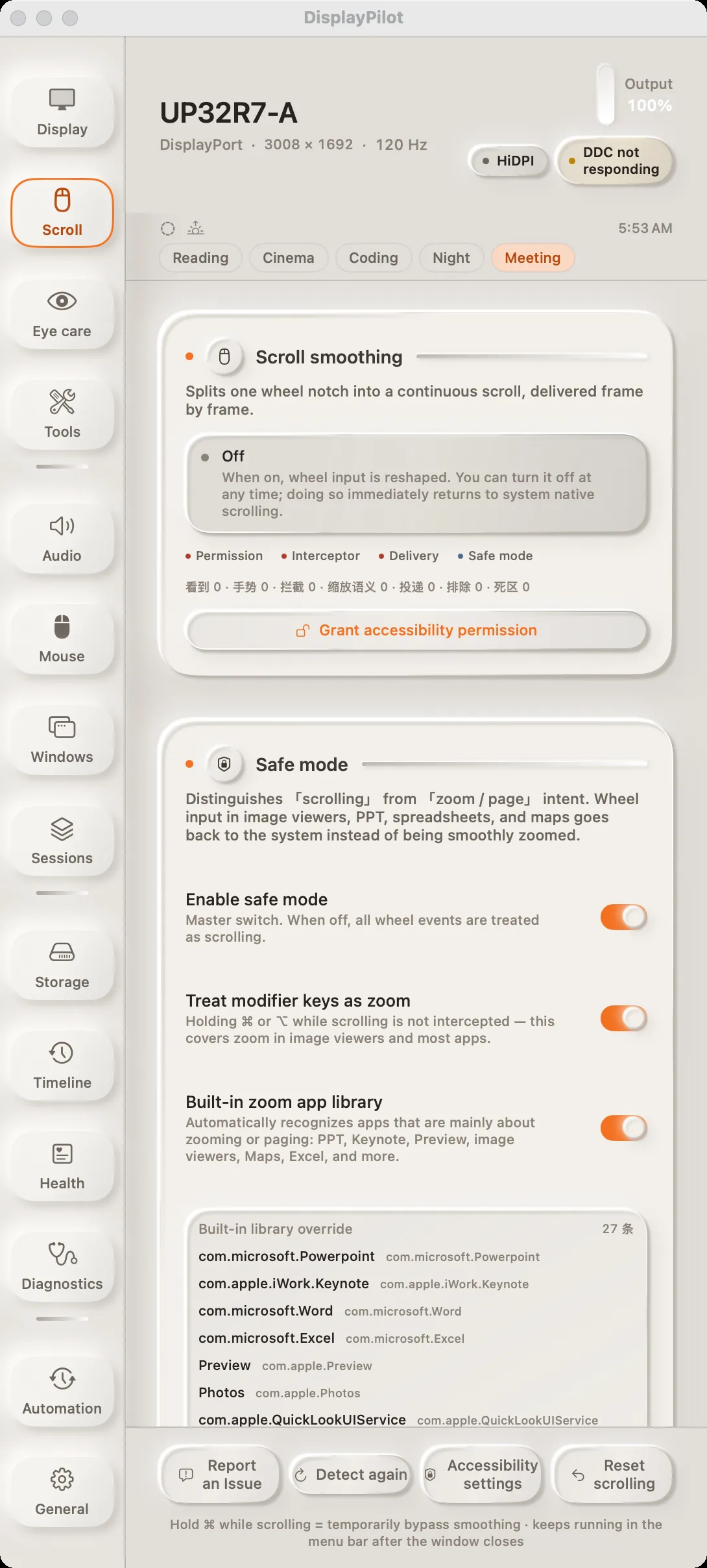
A wheel notch stops being a single jump. Events are accumulated, then delivered on every display refresh — each frame emitting pending × (1 − e^(−dt/τ)). Because the decay is driven by elapsed time rather than by frame count, the response shape is set by time, not refresh rate; total conservation is measured at 60, 120 and 144 Hz. In our offline benchmark, the first frame at 120 Hz improved from 3 points to 9, and time-to-90% fell from 150 ms to 133 ms.
Windows that treat the wheel as a precision input or a zoom control — terminals, image viewers, slide decks — are handed back to the system by default. Hold ⌘ at any time to return to native scrolling. Smoothing ships off: it never takes over your wheel unless you turn it on. The interface keeps four live counters — seen, gesture, intercepted, delivered — so when a new mouse misbehaves, you can see exactly which layer is dropping it.