Press kit · updated 19 October 2026
LumePane, in facts.
A native macOS 14+ console for display control, mouse-wheel smoothing and window layouts, behind one draggable glass orb. The developer is available for questions and review copies.
Fact sheet
- Name
- LumePane
- Platform
- macOS 14 Sonoma or later; universal binary for Apple silicon and Intel
- Price
- One-time purchase, ≈US$19 / ¥99; no subscription
- Trial
- 14 days, every feature unlocked, no account
- Built with
- Swift and SwiftUI; no Electron
- Privacy
- No telemetry, no account, no third-party requests on the marketing site
- Signing
- Developer ID signed and notarized by Apple
- Website
- lumepane.com
- Developer
- Neeson · huayanming2019@gmail.com
What it does
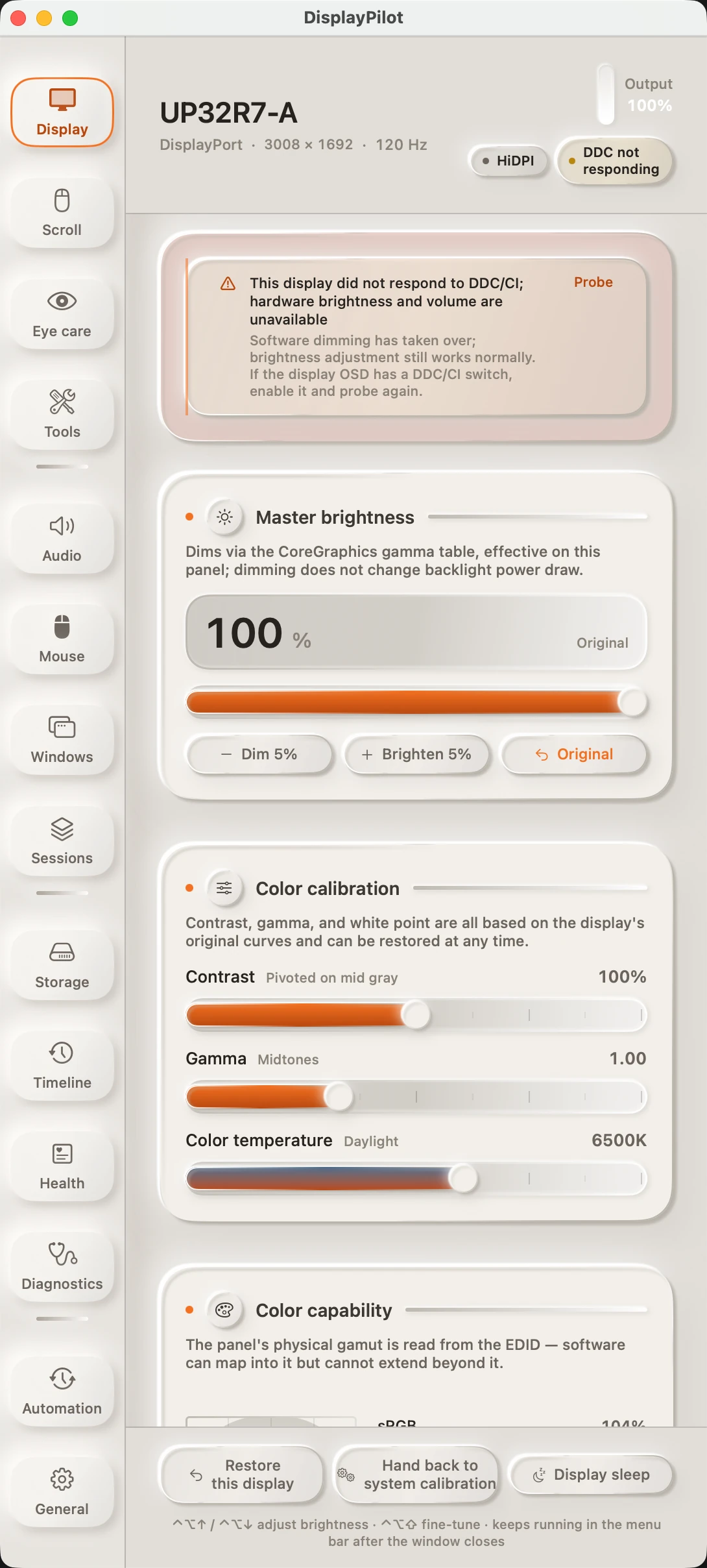
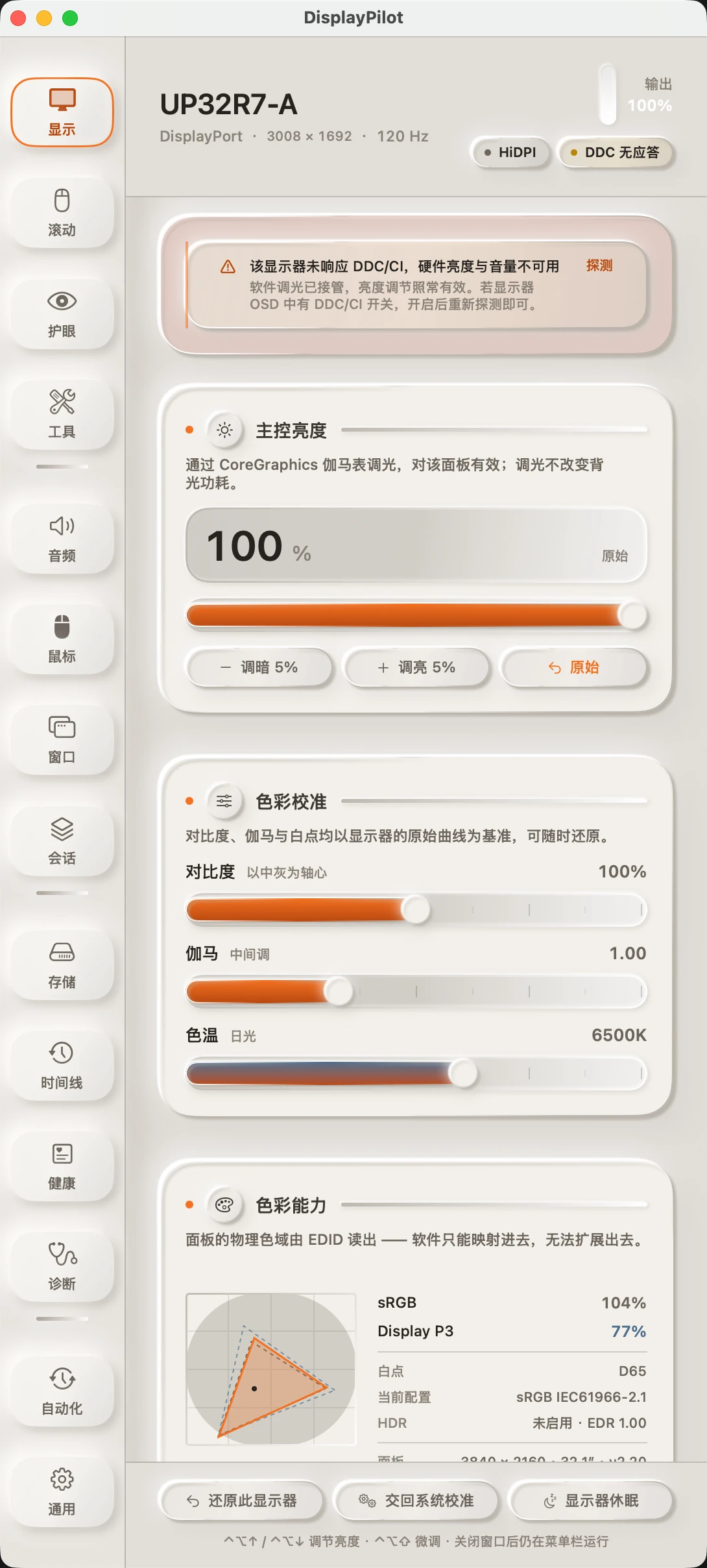
- Display brightness, contrast, colour temperature and input over DDC/CI, with gamma-table dimming when a panel does not answer DDC/CI.
- Colour calibration anchored to the curve read at takeover, with one-click hand-back to ColorSync.
- Frame-by-frame mouse-wheel smoothing, per-app exclusions and a ⌘ bypass.
- Twelve window layouts through the Accessibility API, with a drag-to-snap fallback.
- Glow Orb: a floating orb that unfolds into a dock for screenshots, recording, volume, brightness, layouts and presets.
What it does not do
- It cannot expose Apple Watch battery: macOS has no public API for it.
- Some third-party mice do not expose battery over HID; the UI says so instead of inventing a number.
- Trackpad gestures stay native; the scroll engine is for mouse wheels.
- It does not replace hardware calibration for colour-critical print work.
Assets

Review copies
Reviewers can request a 90-day code from the launch page or by email. Codes are personal, not for resale, and no positive coverage is required.
Disclosure: I am the developer of LumePane. This page is written to make verification easy, not to ask for a favourable review. If a claim here is wrong, say so and I will correct it.